LeafSync is a project that provides a synchronized solution to managing and auditing databases. This README file will guide you through the project structure and provide instructions on how to install and run the project.
To install the project's dependencies, run the following command in the project's root directory:
npm installStart the api server:
node server.jsStart React server:
npm run dev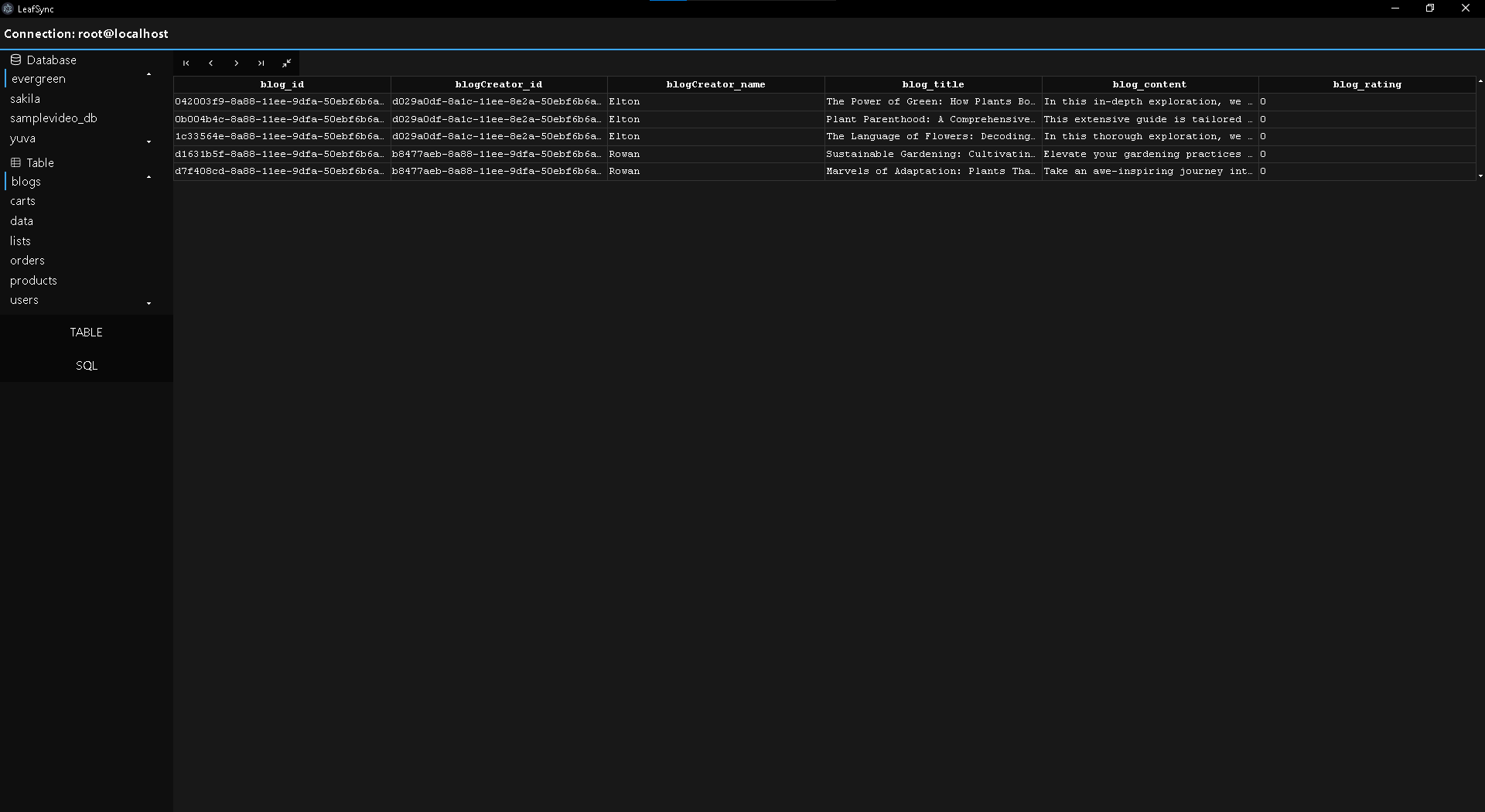

Place Build folder in root directory
example: -dist -|index.html -|assets
Go to main.js:
mainWindow.loadFile(path.join(__dirname, 'dist', 'index.html'));Change name to build folder("dist" in this example)
Build Command:
electron-packager . --out=build --exec=my-app --overwritemain.js contains config to build the app