Repository navigation
Access Checker
This tool was originaly created for Microsoft Dynamics CRM 4.0. With this version of CRM, it was really complicated to deal with security issues, error message specifying only unique identifier of missing privilege. So it was complicated to find this missing privilege. Microsoft Dynamics CRM 2011 and above give the name of missing privilege so it is easier to fix.
But it can be useful to test which access level a user has against a specific record to ensure the security policy is correctly configured.
To check what privileges a user has against a record, open the tool
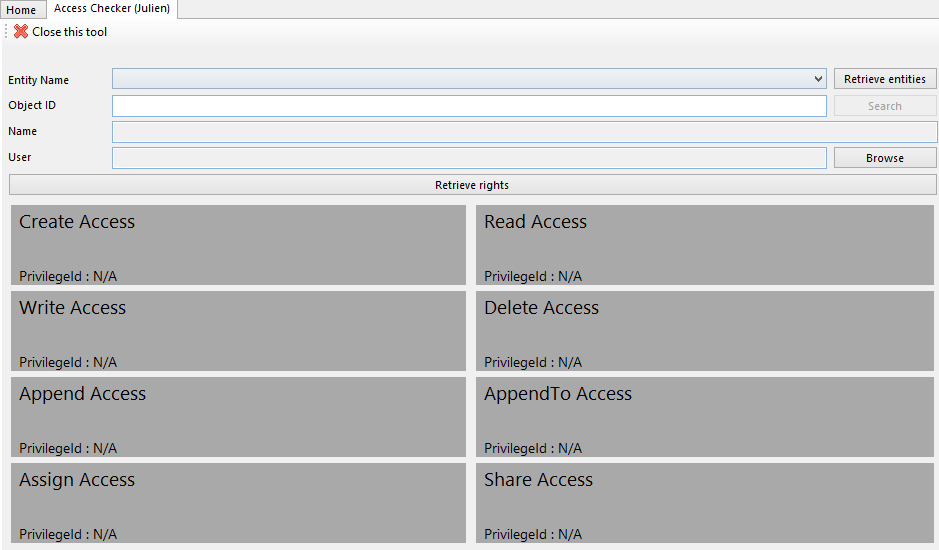
Click on "Retrieve entities" button to fill the list of entities, then in the picklist, select the entity you want to test

Then, click on "Search" button to open a search dialog
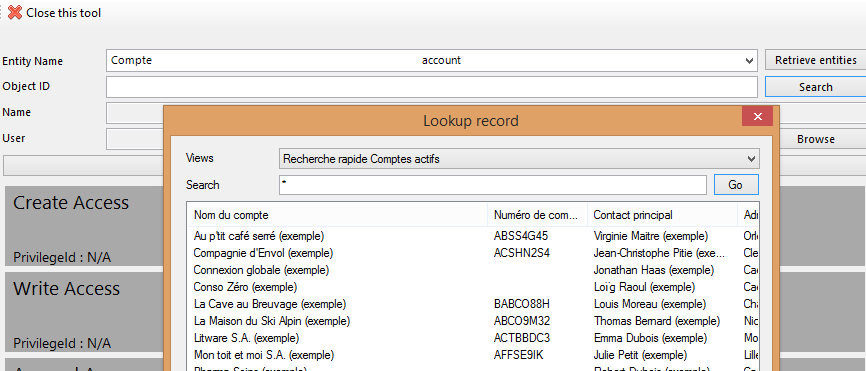
Select the reccord that will help you to check your security configuration
Finally, select the user to test

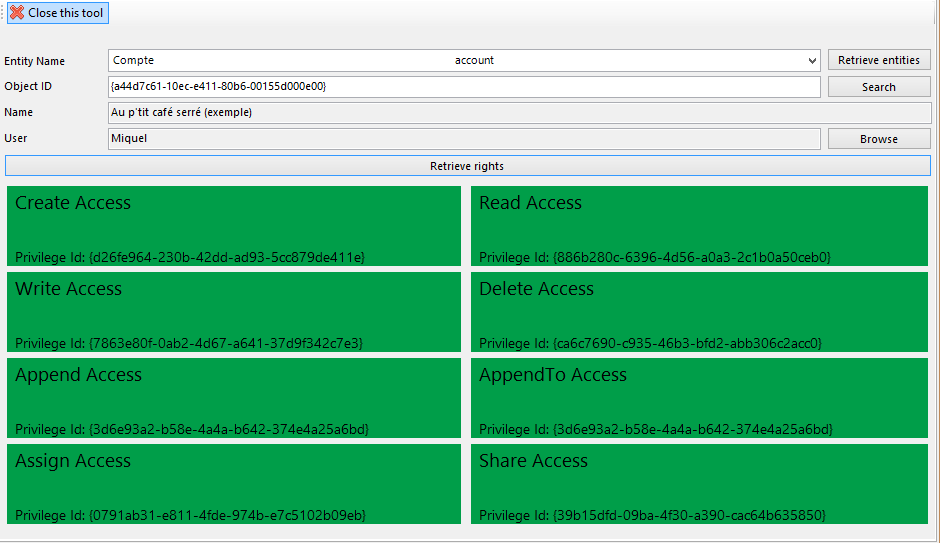
Click on "Retrieve Rights". The tool displays all privileges with their unique identifier and a color that indicates if the user has the privilege (green) or not (red). Grey color indicates this privilege does not exist for the selected entity