
Manage WHMCS using Telegram MiniApp and bot commands.
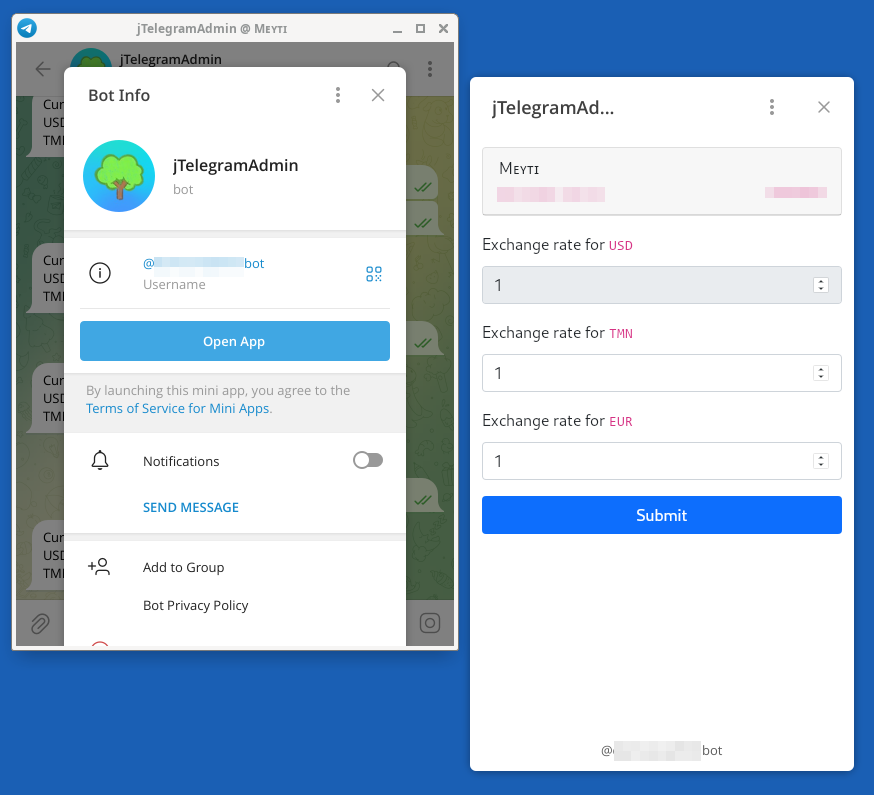
- Update currency exchange rates.
- Automatic recurring price updates
- Automatic product price updates
- Bot commands
- MiniApp
- Customizable Telegram API Endpoint (to bypass restricted networks)
- Multi-admin.
- Receive system notifications.
- Reports and Statistics
- Orders
- PHP 8.x
- WHMCS 8.x
- HTTPS Enabled webserver
- Create new Telegram Bot using @BotFather and keep the bot token code.
- Get your chat ID using bots like https://t.me/myidbot, https://t.me/chatIDrobot.
- Copy
jTelegramAdmindirectory to<your-whmcs-installation>/modules/addons/jTelegramAdmin. - Go to admin panel -> Configuration -> Addon modules, activate
jTelegramAdminand set configuration values like telegram bot token and admin chat IDs. - Go to WHCMS admin panel > addon modules > jTelegramAdmin
- Click on
Set Telegram Webhookbutton - Copy MiniApp URL, go to your bot settings in @BotFather and use it to enable MiniApp.
Go Telegram and use Open App button on Bot's profile.
/getcur - Get currencies list
/setcur <exchangeRate> - Set default currency exchange rate
/setcur <currencyCode> <exchangeRate> - Set specific currency exchange rate