Save Game Free is a free and simple but powerful solution for saving and loading game data in Unity Game Engine.
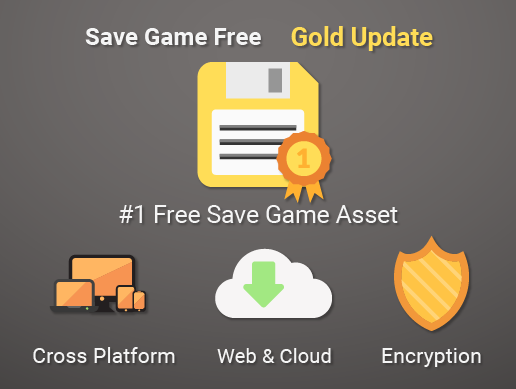
The below features made Save Game Free excellent:
- Cross Platform (Windows, Linux, Mac OS X, Android, iOS, tvOS, SamsungTV, WebGL, ...)
- Auto Save
- Web Support
- Encryption with improved security
- Async/Await Support for non-blocking file operations
- Enhanced Error Handling with detailed exception messages
- Memory-efficient with automatic resource cleanup
- Easy to Use
- Simple but Powerful
- Unity 6 Compatible
🚀 Download the latest version from the Releases section
Here is a simple usage of Save Game Free:
SaveGame.Save<int>("score", score);Full example:
using System.Collections;
using System.Collections.Generic;
using UnityEngine;
using Bayat.Unity.SaveGameFree;

public class SimpleUsage : MonoBehaviour
{
    public int score;

    void OnApplicationQuit()
    {
        SaveGame.Save<int>("score", score);
    }

    void Start()
    {
        // Load with default value
        score = SaveGame.Load<int>("score", 0);
    }
}For better performance with large save files, use async methods:
using System.Threading.Tasks;
using UnityEngine;
using Bayat.Unity.SaveGameFree;

public class AsyncUsage : MonoBehaviour
{
    public int score;

    async void OnApplicationQuit()
    {
        await SaveGame.SaveAsync<int>("score", score);
    }

    async void Start()
    {
        score = await SaveGame.LoadAsync<int>("score", 0);
    }
}For sensitive data, enable encryption:
// Set a custom password (IMPORTANT: Use your own secure password!)
SaveGame.EncodePassword = "YourSecurePassword123!";

// Save with encryption
SaveGame.Save<string>("playerData", sensitiveData, encode: true);

// Load with encryption
var data = SaveGame.Load<string>("playerData", defaultValue: "", encode: true);MIT @ Bayat Games
Made with ❤️ by Bayat Games